
Software for gardening and landscaping companies
OpSynk is software for gardening and landscaping companies that look after lawns, planting and outdoor areas for housing associations, property owners and private clients. Schedule recurring maintenance visits, send work orders to your team's phones and document every visit with photos.

Common challenges for gardening companies
- The same visits repeat all summer for dozens of clients, and a missed week shows on the lawn.
- One client can have several areas with different care: lawns mown weekly, hedges cut once a year, beds weeded in between.
- Seasonal staff don't know which bed is which on a site they have never visited.
- Plants, compost and fertiliser bought for a job don't always make it onto the invoice.
- Housing associations and property managers want to see what was done, not just a total on a bill.
A week at a gardening company with OpSynk
Monday
This week's mowing is already in the calendar as recurring work orders. The supervisor balances the visits in the employee planner, where each person is a row and each day a column.
Tuesday
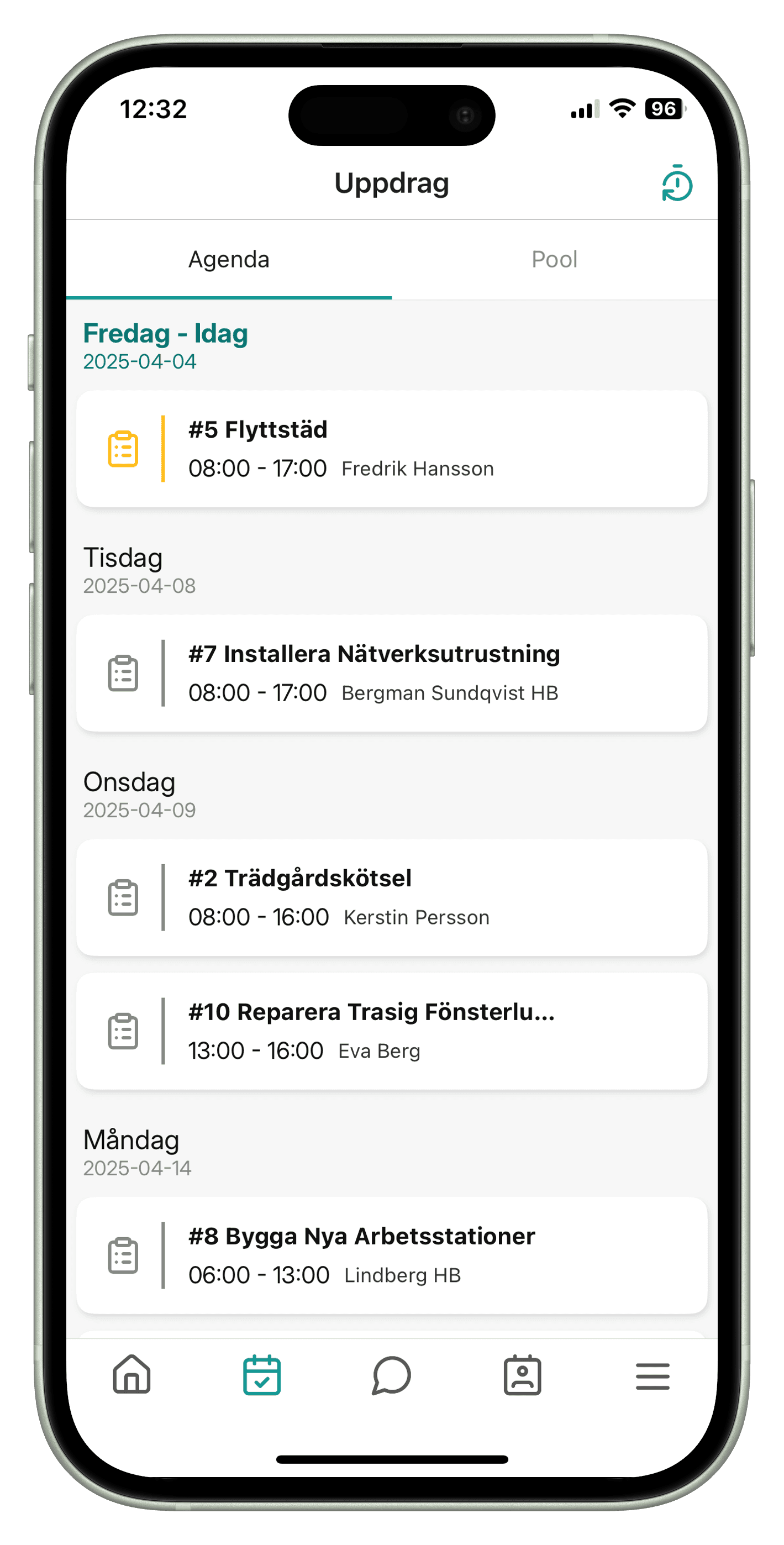
Two gardeners open their agenda in the app, read the client notes and see which zones on the map each task belongs to.
Wednesday
A client orders new summer bedding. The office creates a work order, and the gardener logs the plants and bags of compost as material on the job and takes a photo of the finished bed.
Thursday
Rain moves two visits. The supervisor drags them to Friday, and the people affected get a push notification in the app.
Friday
A property manager asks about the pruning. The office downloads the completed work order as a PDF and emails it.
Features for gardening and landscaping companies
Recurring maintenance visits
Set up a visit once and let it repeat every week, month or year at the interval you choose: mowing weekly, weeding every other week, hedge cutting once a year. See how scheduling recurring jobs works in the calendar.
Seasonal planning
Spring clean-ups and summer mowing are the busy months. The drag-and-drop calendar and the employee planner show when you need extra hands, and jobs without a date wait in the pool of unscheduled jobs. Many gardening companies also clear snow in winter, and those jobs live in the same system with the same clients and staff.
Zones on the map
Draw each client's areas as zones on the map, such as the front lawn, the beds by the entrance or the slope by the car park, and link the tasks in a work order to them. OpSynk has no separate maintenance plan, but recurring work orders, tasks and zones describe what is done where and how often.
Materials, photos and notes
Add soil, plants and fertiliser to the article register with unit, purchase price and sales price, and register what was used on the job in the app. Stock levels are not tracked. Photos are taken in the app and attached to the task, and notes with attachments can be kept on the job and on the client. Read more about work orders.
Time and invoice basis
Staff start and stop time on the job. Price groups give different hourly rates, or a visit can have a fixed price per occurrence. Time, material and fixed prices are collected into an invoice basis per client, which you download as a PDF.
Example: checklist for grounds maintenance
Some clients want a walk-round of their outdoor areas. With the Rondering add-on you build your own checklist for it. OpSynk ships no ready-made templates, so this is an example of a list you could create and save as your own template.
Spring inspection round of outdoor areas
Lawns
- No large bare patches or moss
- Edges along paths are cut
- Winter debris and branches removed
Beds and shrubs
- Beds are weeded
- Shrubs don't block windows or lighting
- Dead or damaged plants noted
Paths and paving
- Winter grit swept up
- Paving slabs and kerbs are stable
- Drains clear of leaves
Each point is marked as approved or not approved on the phone, and a failed point gets a comment and a photo. From the round you can create a work order with one task per deviation. Learn more about inspection rounds.
The report your client gets
- A PDF of the completed work order, which you download and send after the visit.
- An invoice basis as a PDF with time, material and fixed prices, with a status of not sent, sent or paid.
- If you run an inspection round of the outdoor areas, a link to the completed round that the client opens without logging in. It shows checkpoints, status and deviations with photos under your logo.
Frequently asked questions
Can we schedule mowing that repeats every week?
Yes. A work order can repeat weekly, monthly or yearly at the interval you choose, such as every other week. The visits appear in the calendar and can be moved by drag and drop.
Can we split a client's site into different areas?
Yes. Draw zones on the client's map, such as lawns, beds and shrubs, and link the tasks in a work order to the right zone. Staff then see in the app where each task belongs.
Does OpSynk work in English?
Yes. The web app and the mobile app are available in Swedish and English, and each user picks their own time zone.
Does the app work without a connection?
No. The app needs an internet connection to send time, photos and material. Changes then appear straight away for the office.
How much does OpSynk cost?
OpSynk is in beta and has no public price list yet. Contact support@opsynk.com or join the beta to learn more. You can also try a demo straight away in your browser.
What Vift Fastighetsservice says about OpSynk
“OpSynk has streamlined our planning with smooth user scheduling and the ability to easily link time and materials to work orders. Everything is then transferred to the invoice without hassle. The ability to automatically create recurring events saves us both time and manual work. A user friendly system that truly makes our daily work easier.”
 Lucas, Vift Fastighetsserviceviftfast.se(opens in a new tab)
Plan your next season in OpSynk
Try a demo in your browser and set up your first recurring visit.